
Introduction
Actuation plays a crucial role in the functioning of a keyboard, impacting how quickly and accurately your keystrokes are registered. It refers to the precise point at which a key press is recognized and an action is triggered. For anyone seeking to optimize their typing or gaming experience, understanding actuation is fundamental. This knowledge empowers users to choose keyboards that best match their personal preferences and requirements.
The Fundamentals of Keyboard Actuation
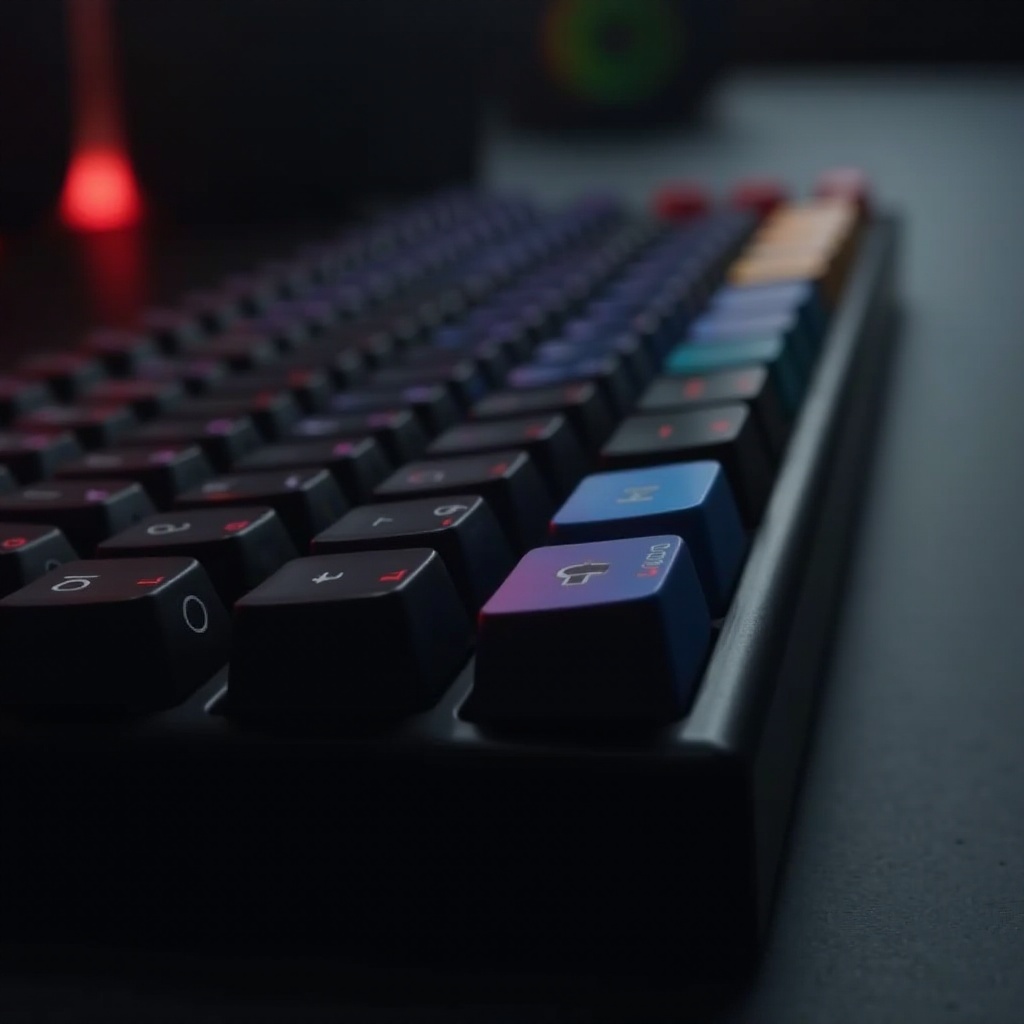
At its essence, actuation determines the distance a key must travel before it’s recognized by the keyboard’s circuitry. Mechanical keyboards utilize individual switches for each key, providing distinct actuation points and tactile feedback. In contrast, membrane keyboards activate due to pressure on a rubber dome, often lacking the precise feedback of their mechanical counterparts. This distinction highlights why some users prefer mechanical keyboards for both typing and gaming.
Mechanical keyboards provide various switch types, each with its actuation characteristics, influencing how users interact with their keyboards. These distinctions can enhance user experiences, whether for speedy gaming inputs or comfortable, long typing sessions.
Diving Into the Mechanics of Actuation
The mechanics behind actuation involve understanding how key presses are registered. A key press applies force, creating a force curve that illustrates the resistance experienced during the press. The actuation point, frequently measured in millimeters, is where the keystroke is registered. Different switches offer varying points and resistances, impacting how swiftly commands are executed.
This mechanical understanding is crucial in determining the keyboard’s feel and responsiveness. Whether flipping between rapid gaming actions or fluid typing lines, the actuation points play a significant role in user satisfaction and performance.
Types of Switches and Their Actuation Points
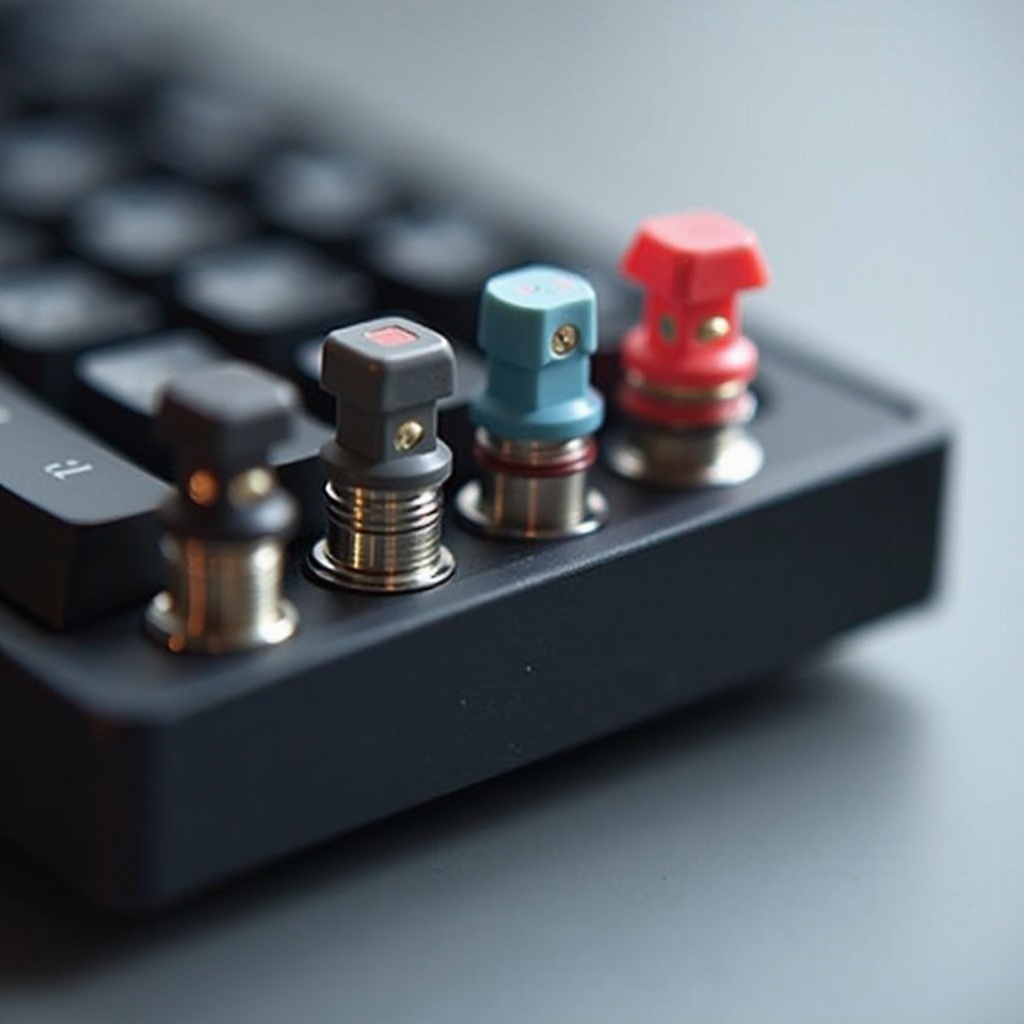
Mechanical keyboards offer a spectrum of switches, each with unique actuation points:
- Linear Switches: Smooth, uninterrupted travel from top to bottom, favored by gamers who benefit from quick, successive key presses.
- Tactile Switches: Provide a tangible bump at the actuation point, excellent for those who depend on feedback to prevent full keystroke depressions.
- Clicky Switches: Combine tactile feedback with an audible click, ideal for typists who appreciate auditory confirmation, albeit potentially noisy in shared environments.
Selecting the right switch depends on individual needs and environments, as each type delivers distinct tactile sensations and sounds.
Impact of Actuation on Performance
Actuation significantly impacts keyboard performance, affecting speed, accuracy, and user comfort. The right actuation can improve efficiency, reduce fatigue, and enhance typing speed. For gamers, optimal actuation provides faster response times, offering competitive advantages in high-speed gaming environments.
For instance, users accustomed to tactile switches may find linear switches challenging due to the absence of feedback, while gamers using clicky switches might find the noise distracting. Understanding these differences is crucial when choosing a keyboard that complements your tasks and maximizes performance.
Choosing the Right Actuation for Your Needs
Selecting the right actuation involves assessing your primary keyboard use. Here’s how to make an informed choice:
-
Identify Your Use Case: Determine whether you’re primarily gaming, typing, or balancing both.
-
Test Before Purchase: Physically test keyboard switches when possible to determine the best feel and response.
-
Consider Environment: Choose quieter switches if working in shared or open spaces to avoid disturbances.
Ultimately, the choice should align with what feels most natural and effective for your individual use case.
Future Trends in Keyboard Actuation
Keyboard technology is continuously evolving, with innovations enhancing the actuation experience. Technologies like optical switches promise faster actuation times and greater durability compared to traditional mechanical options. Additionally, adjustable actuation switches are gaining popularity, allowing users to tailor the typing and gaming experience further.
These advancements suggest exciting developments on the horizon, poised to improve user interaction and satisfaction significantly.
Conclusion
Actuation is a vital factor in discussions around keyboard ergonomics and performance enhancement. Understanding actuation helps users select keyboards that cater to their unique needs, whether aiming for improved reaction times in gaming or enhanced typing comfort. Recognizing actuation’s significance helps optimize keyboard interaction for better overall performance.
Frequently Asked Questions
What is the ideal actuation point for gaming keyboards?
The ideal actuation point for gaming keyboards is typically between 1.2mm to 2mm for quicker response times.
How does actuation affect my typing experience?
Actuation affects how quickly a key press is registered, influencing typing speed, accuracy, and comfort.
Can I customize actuation settings on my keyboard?
Yes, some keyboards offer adjustable switches or software that allows you to customize actuation points.