
Introduction
Mini keyboards with touchpads are transforming the way we interact with digital devices. Compact yet powerful, these keyboards offer portability and advanced functionality, bridging the gap between convenience and performance. Whether you’re a tech enthusiast, a professional on the go, or someone looking for a versatile input device, understanding mini keyboards with touchpads is essential in 2024.
What is a Mini Keyboard with Touchpad?
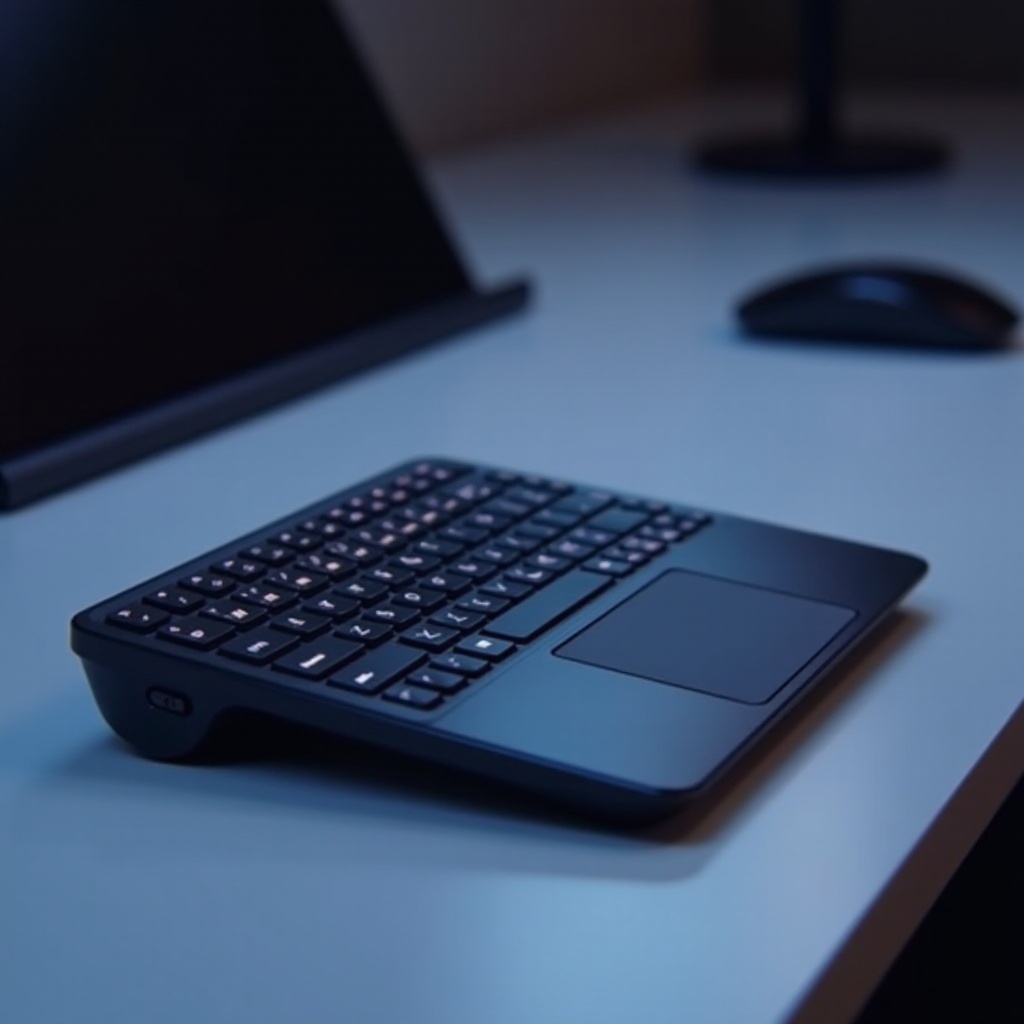
A mini keyboard with a touchpad is a compact keyboard that integrates a touch-sensitive surface, allowing users to control a cursor without a separate mouse. These keyboards are designed for space efficiency and convenience, making them perfect for use with smart TVs, tablets, and compact desktops. Understanding their fundamental design and operation helps users appreciate their role in modern computing.
The touchpad in these keyboards often supports multi-touch gestures, enhancing navigation and user interaction. The reduced size enhances flexibility, particularly in space-constrained environments. For tech-savvy users, this combination of miniaturization and touch technology represents a significant innovation.
Advantages of Using a Mini Keyboard with Touchpad
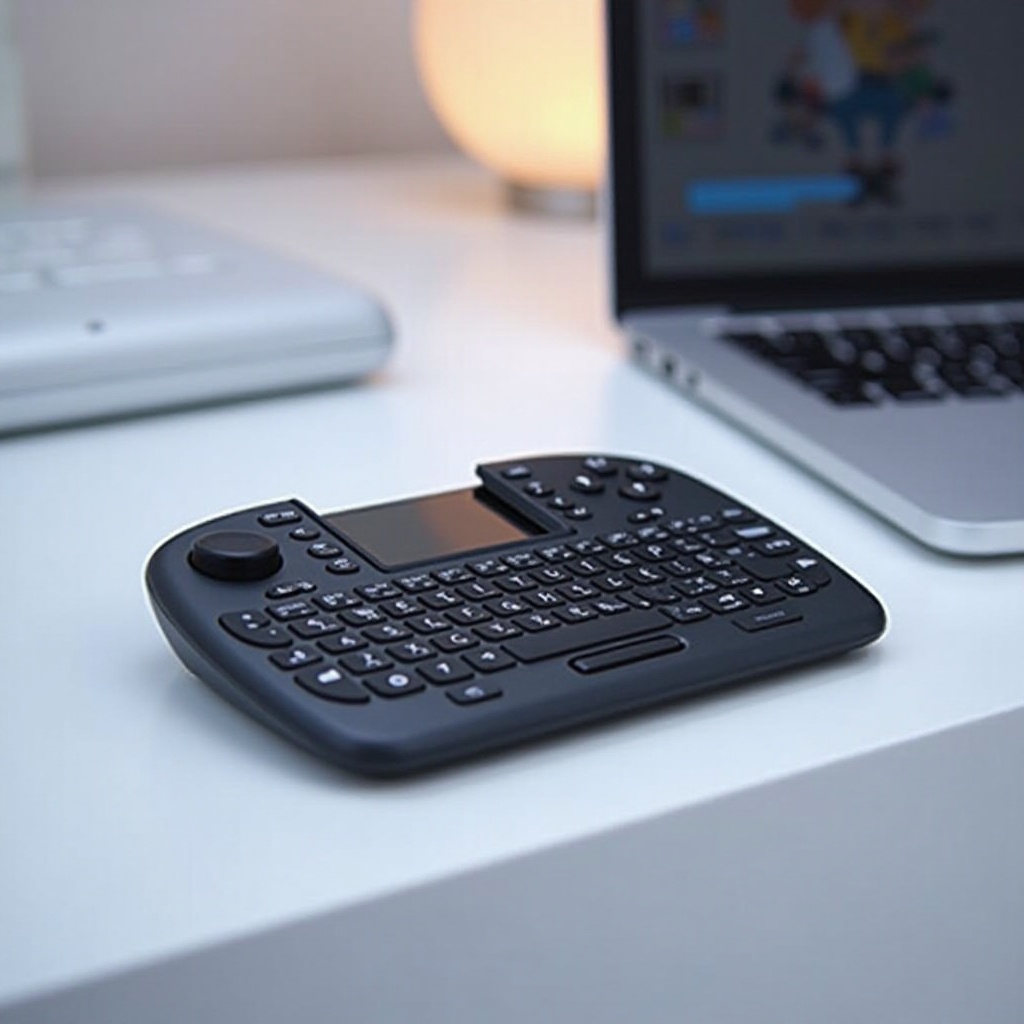
Mini keyboards with touchpads are gaining popularity due to several notable advantages:
- Portability and Space Efficiency: Their compact form makes them ideal for small workplaces, travel, or home theatre setups.
- Versatility in Different Environments: Whether for work presentations, controlling media at home, or gaming, these keyboards are versatile.
- Enhanced Navigation and Control: The integrated touchpad offers intuitive control, reducing the need for additional peripherals and cables.
These benefits highlight how mini keyboards are not just space savers but essential tools for improving workflow and entertainment experiences.
Key Features to Consider in 2024
When choosing a mini keyboard with a touchpad, consider the following features:
- Connectivity Options: Bluetooth vs. USB:
- Bluetooth offers wireless convenience and the flexibility to connect to multiple devices.
-
USB connectivity ensures stable performance without interference, ideal for stationary setups.
-
Ergonomic Design and Layout: Even in a compact design, comfort should not be compromised. Look for keyboards with a well-thought-out layout that prevents typing fatigue.
-
Battery Life and Charging Methods: Long battery life and efficient charging solutions are key. Consider rechargeable models with USB-C or quick charging features to minimize downtime.
Connecting these key features across different devices and scenarios underlines the mini keyboard’s adaptability, enhancing its appeal to a wide audience.
Top Mini Keyboards with Touchpads: 2024 Edition
Selecting the right mini keyboard involves balancing budget, use case, and preferred features. Here are the top choices for 2024:
- Best for Budget:
- Look for models offering decent build quality and essential features without breaking the bank.
-
Example: [Brand X Model], featuring reliable Bluetooth, a responsive touchpad, and a two-year warranty.
-
Best for Professionals:
- Aim for items with high-quality keys, ergonomic design, and extended connectivity options.
-
Example: [Brand Y Model], known for its sleek design, precision touchpad, and USB-C charging.
-
Best for Travelers:
- Consider ultra-light models with foldable or snap-on designs, perfect for travelers.
- Example: [Brand Z Model], offering a compact design and robust build, ensuring it withstands frequent travel use.
Understanding and evaluating these options can greatly influence satisfaction with your chosen mini keyboard, ensuring it fits your specific needs.
How to Set Up and Maintain Your Mini Keyboard
Setting up a mini keyboard with a touchpad is straightforward, ensuring you get the most out of its features:
- Initial Setup Guide:
- Charge the device fully before first use.
- Pair the keyboard with your device through Bluetooth or connect via USB.
-
Install any necessary drivers or software updates for optimal performance.
-
Tips for Cleaning and Maintenance:
- Regularly clean the keyboard with a microfiber cloth to remove dust and grime.
- Avoid liquid damage by keeping beverages at a safe distance.
- Recharge batteries according to the manufacturer’s guidelines to preserve battery life.
Regular maintenance protects your investment and ensures your keyboard functions smoothly over its lifespan.
Conclusion
Mini keyboards with touchpads are versatile, innovative, and suited to a range of needs and environments. By understanding their features and benefits, you can make an informed decision and choose a keyboard that enhances your tech setup and daily productivity in 2024.
Frequently Asked Questions
Are mini keyboards with touchpads compatible with smart TVs?
Yes, most mini keyboards with Bluetooth connectivity are compatible with smart TVs, making them ideal for browsing and streaming.
What is the average battery life of a mini keyboard with a touchpad?
Typically, the battery life ranges from several weeks to months on a single charge, depending on usage and model.
Can I connect a mini keyboard with a touchpad to multiple devices?
Many models support multi-device pairing, allowing users to switch seamlessly between devices like a laptop, tablet, and smartphone.