
Introduction
Travel distance in a keyboard switch plays a pivotal role in determining the performance and feel of the keyboard. Understanding this concept is essential for both keyboard enthusiasts and everyday users who wish to optimize their typing or gaming experience. By delving into the mechanics of switches and analyzing travel distances, users can make informed decisions about which keyboard best suits their needs.
Understanding Keyboard Switches
Before diving into travel distance, it’s crucial to comprehend the types of keyboard switches available. These primarily include mechanical and membrane switches, each offering unique characteristics.
Types of Keyboard Switches
Mechanical switches are known for their longevity and tactile feedback due to their individual mechanical components for each key. On the other hand, membrane switches, typically more cost-effective, rely on a flat, pressure-sensitive surface to register keystrokes. The choice between the two often influences user preference regarding travel distance.
The Mechanics of a Mechanical Switch
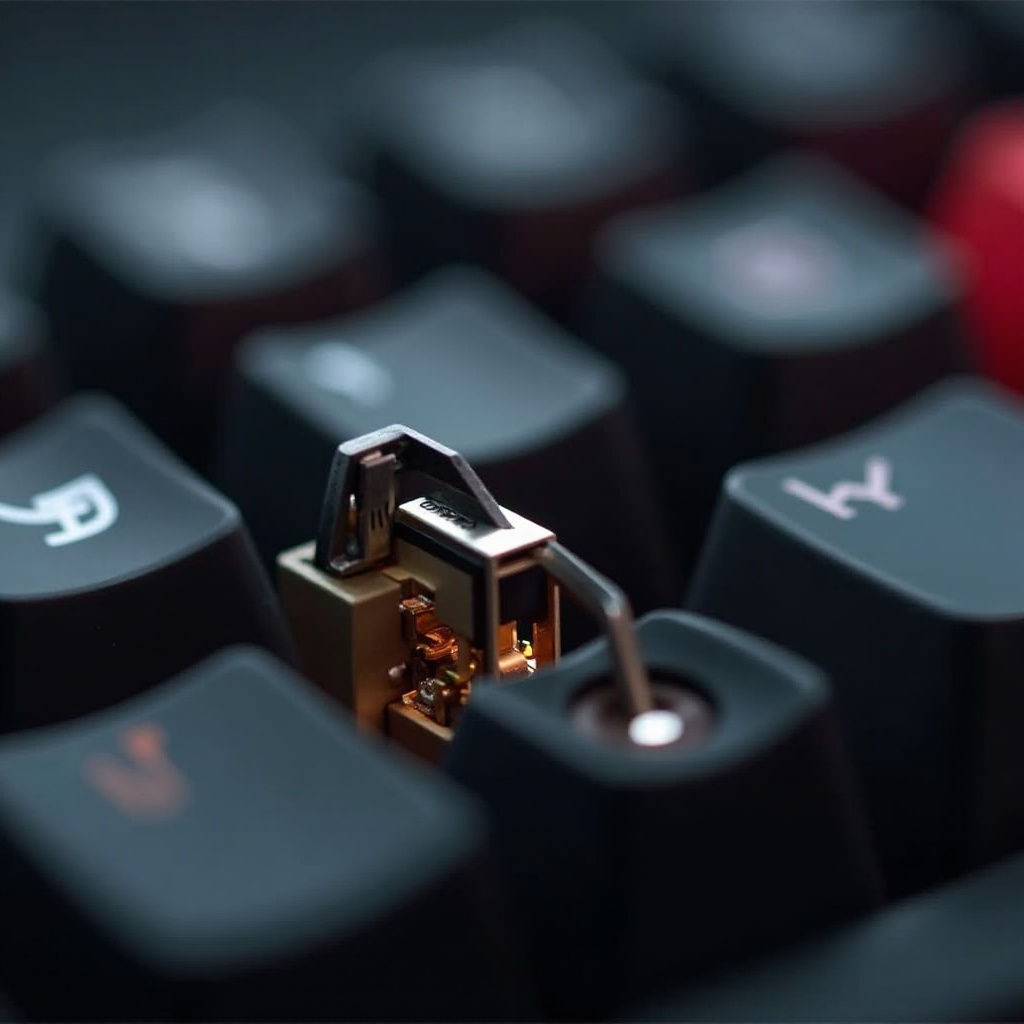
Each mechanical switch consists of a keycap, stem, housing, and spring. When a key is pressed, the stem descends, actuating the switch. Travel distance is the measurement of this descent, and it’s a crucial factor in the switch’s responsiveness and comfort.
Defining Travel Distance in Switches
A clear understanding of travel distance is fundamental to choosing the right switch. This detail separates mechanical keyboards from their membrane counterparts.
What is Travel Distance?
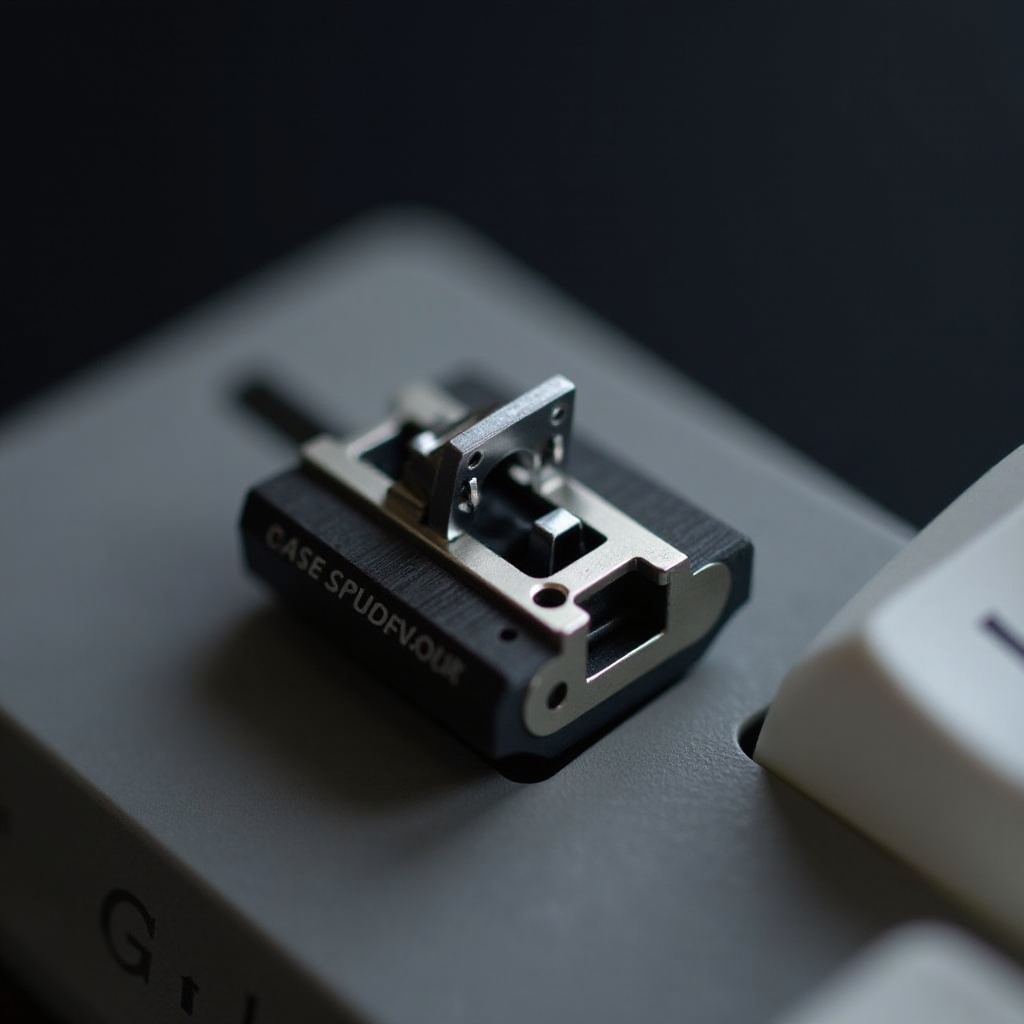
Travel distance is the total movement a switch undergoes from the initial press to the point where it is fully depressed and bounces back. Typically measured in millimeters, it varies across different switch models and brands, affecting typing and gaming feel.
Travel Distance vs. Actuation Point
It’s important to differentiate between travel distance and actuation point. The actuation point refers to the exact moment a keypress is registered, whereas the travel distance encompasses the full motion from start to finish. A shorter travel distance often means a quicker actuation, appealing to gamers and typists seeking swift responses.
The Importance of Travel Distance
The travel distance of a switch influences how a keyboard feels during use, directly affecting typing speed and overall comfort.
Impact on Typing Speed and Accuracy
Shorter travel distances can enhance typing speed due to less finger movement, which is beneficial in fast-paced environments like gaming. Conversely, longer travel distances offer more deliberate key presses, which can improve typing accuracy.
Travel Distance and User Comfort
Switches with shorter travel distances may reduce finger fatigue during extended use. However, some users prefer the tactile feedback of longer travels, which provides a more satisfying press. The optimal balance depends on individual preferences regarding speed and comfort.
Comparing Travel Distances in Popular Switches
Different brands offer a range of switches with varying travel distances, allowing users to select based on personal preference.
Short Travel Distance Switches
Popular short travel distance switches, such as Cherry MX Red, are favored by gamers for their quick actuation and minimal resistance, which enable rapid keystrokes and swift actions.
Long Travel Distance Switches
Cherry MX Blue represents long travel distance switches, celebrated by typists for their tactile bump and audible click, which enhance feedback and key press satisfaction during typing tasks.
Examples from Top Brands
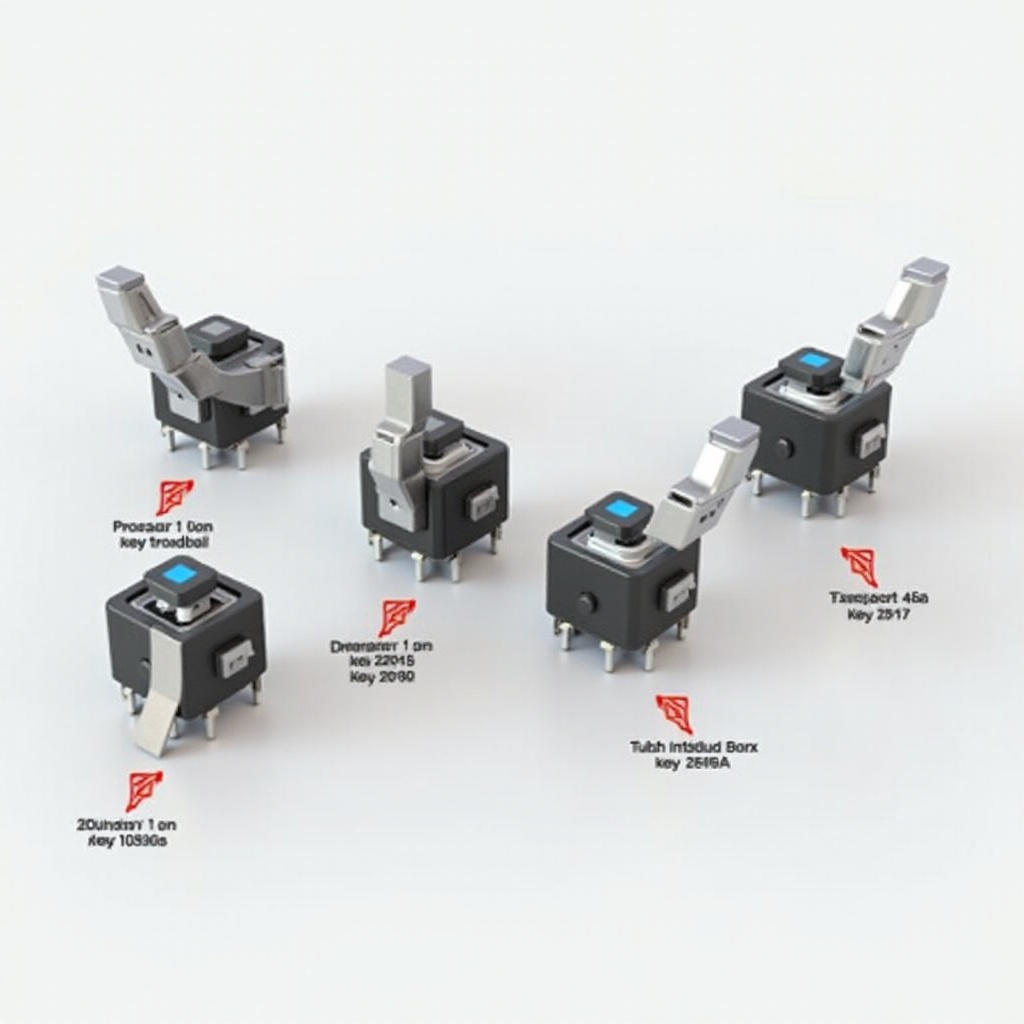
Brands like Gateron, Kailh, and Zealios offer a variety of switches, each crafting a unique typing experience. They provide options from light, swift switches to more substantial, tactile ones, catering to a wide range of preferences and needs.
Choosing the Right Travel Distance for Your Needs
When selecting switches, consider your primary use, be it gaming, typing, or general activity.
Factors to Consider: Usage and Preference
Determine what you need from your keyboard. Gamers often opt for shorter travel distance for quick responses, while tactile feedback might appeal more to those focused on typing.
Testing and Customization Tips
Prior to deciding, it’s advisable to test a variety of switches. Many vendors offer switch testers, allowing you to feel the differences. Additionally, consider keyboards with hot-swappable PCBs, which allow you to easily switch out switches to find the best fit for your hands and usage requirements.
Conclusion
By understanding the impact of travel distance on keyboard performance and comfort, users can make informed decisions that enhance their computing experience. Whether prioritizing speed, accuracy, or comfort, a well-chosen switch can significantly improve keyboard effectiveness and personal satisfaction.
Frequently Asked Questions
What is the most common travel distance in mechanical switches?
Most mechanical switches, like Cherry MX, have a travel distance ranging from 3.7mm to 4.0mm, depending on the switch type.
How does travel distance affect gaming performance?
Shorter travel distances allow for quicker key actuation, which can be advantageous in fast-paced gaming scenarios where timing is crucial.
Can I adjust the travel distance on my keyboard switches?
Typically, travel distance cannot be adjusted on a fixed keyboard. However, with hot-swappable keyboards, you can change switches entirely to vary the travel distance.