
Mechanical keyboards have become a preferred choice for typists and gamers, attributed to their durability and tactile feedback. The question of their lifespan is crucial for anyone investing in these keyboards. Various factors influence how long a mechanical keyboard lasts, including the build quality, type of key switches, and maintenance practices. This guide explores these elements in depth, offering practical tips and insights to help you maximize your keyboard’s longevity.
Introduction
Mechanical keyboards are famously known for their quality and longevity. But just how long do they truly last? The lifespan depends on several variables, from the kind of key switches to the way you maintain the device. This article explores these influential factors and delves into the durability and lifespan of mechanical keyboards. Whether you’re planning to buy a new keyboard or wish to prolong the life of your current one, understanding these aspects is crucial.
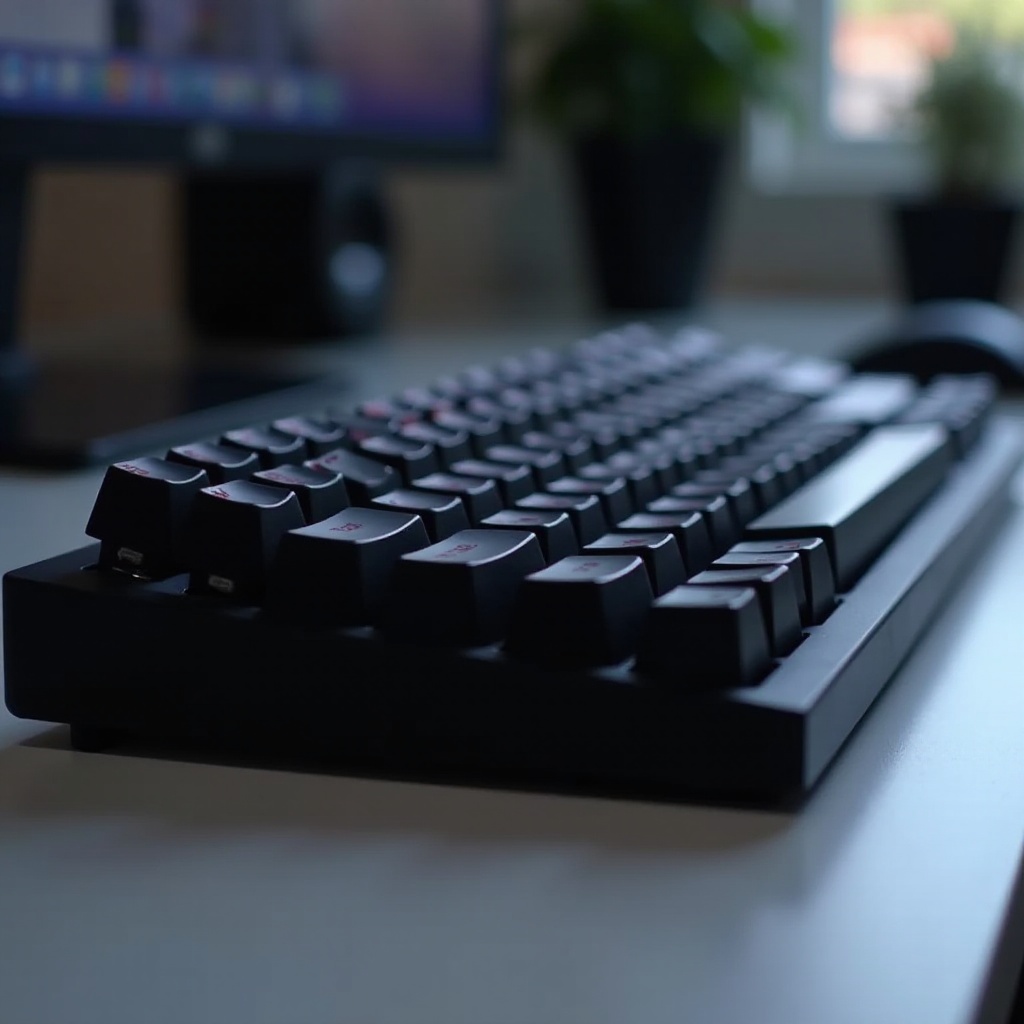
Factors Influencing the Lifespan of Mechanical Keyboards
Several components influence how long a mechanical keyboard will last:
-
Quality of Materials and Construction: The construction quality heavily affects durability. High-end mechanical keyboards often incorporate robust materials such as aluminum or steel, which are more durable than plastics used in more affordable models. Keycaps made from PBT plastic tend to withstand wear better than those made from ABS plastic.
-
Types of Key Switches: The key switches are a major determinant of a keyboard’s lifespan. Mechanical switches are rated for a certain number of keystrokes, generally ranging from 50 to 100 million. Brands like Cherry MX and Gateron each offer distinct durability levels.
-
Usage Frequency and Typing Habits: The frequency of use and typing style significantly affect a keyboard’s longevity. Heavy users like gamers or intensive typists will experience wear more quickly than casual users. Adopting gentle typing habits can help extend the lifespan of your keyboard.
Understanding these factors is essential groundwork before comparing mechanical keyboards to other types on the market.
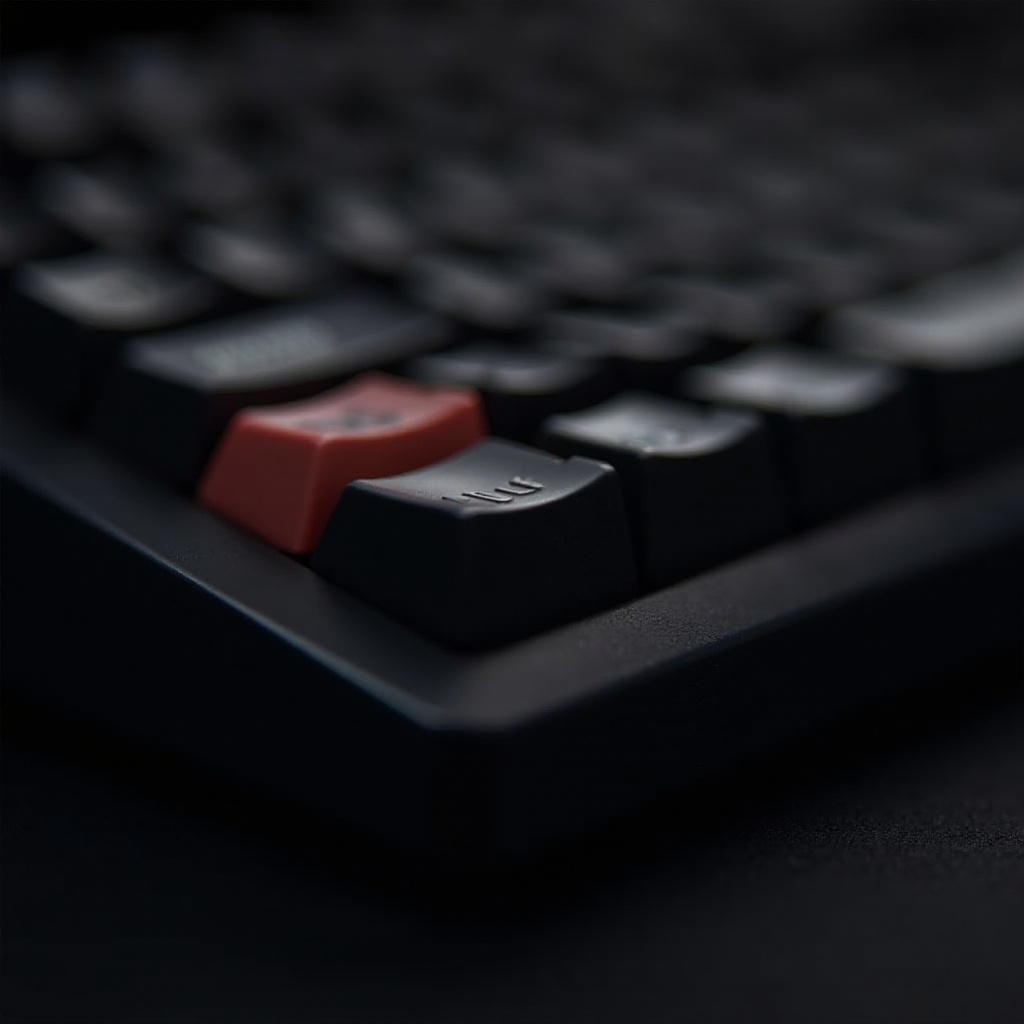
Comparing Mechanical Keyboards to Other Types
Evaluating the longevity of mechanical keyboards requires comparing them with other common types:
-
Mechanical vs. Membrane Keyboards: Membrane keyboards, prevalent in many workplaces, have a shorter lifespan due to their rubber dome keys, which are usually rated for around 5 million keystrokes. In contrast, mechanical keyboards are celebrated for their durability, often surviving up to ten times longer due to their robust switch mechanisms.
-
Advantages of Mechanical Keyboards in Longevity: Aside from their extended lifespan, mechanical keyboards maintain consistent performance throughout their use. Unlike membrane keyboards, which can degrade in responsiveness over time, mechanical switches provide a steady typing experience.
This comparison highlights the rationale behind many users opting for mechanical keyboards for their long-term use. Let us now explore the durability of various key switches.
Expected Lifespan by Key Switch Brand
Different key switch brands contribute differently to the overall durability of mechanical keyboards:
-
Cherry MX Switches: Known for their quality and reliability, Cherry MX switches are a popular choice. These switches are typically rated for 50 million keystrokes, with newer models reaching up to 100 million. Their precision engineering ensures lasting performance.
-
Gateron and Other Popular Brands: Gateron switches are celebrated for their smooth operation, with ratings between 50 and 100 million keystrokes. Other brands like Kailh and Razer provide equally durable options tailored to diverse user preferences.
Understanding the lifespan of key switches paves the way for strategies to extend your keyboard’s life through proper maintenance.
Maintenance Tips to Extend Keyboard Lifespan
Implementing regular maintenance can dramatically enhance your keyboard’s longevity:
-
Regular Cleaning and Care: Dust and debris can impact keyboard functionality. Routine cleaning is essential to keep switches performing well. Use a small brush or compressed air to clear particles between keys.
-
Proper Storage and Handling: Protect your keyboard from moisture and extreme temperatures. Ensure it’s covered or stored in a dust-free environment when not in use.
-
Component Upgrades and Customization: Upgrading components like keycaps and switches can renew an aging keyboard. Many mechanical keyboards support component upgrades, allowing you to replace parts without buying a new keyboard entirely.
With these maintenance routines in place, you can prevent many issues that signal the need for a new keyboard.
Signs Your Mechanical Keyboard Needs Replacement
Despite careful care, certain signs indicate it’s time for a replacement:
-
Sticky or Unresponsive Keys: Stuck or unresponsive keys suggest significant wear and may require replacing. If cleaning doesn’t solve the problem, it might mean the switches are worn out.
-
Wear on Keycaps and Switches: Wear on keycaps or switches can cause fading and decreased tactile feedback. If component upgrades no longer correct these issues, it might be time for a new keyboard.
Recognizing these signs helps determine when replacing your keyboard becomes necessary, ensuring continued optimal performance.

Real-world Experiences and Testimonials
Hearing from long-term mechanical keyboard users provides valuable insights into their real-world performance:
-
Long-term User Experiences: Users often report their mechanical keyboards stay functional and responsive for many years, testifying to the durability of reputable brands and models.
-
Insights from Gamers and Typists: Professional typists and gamers usually emphasize the consistent performance and feel of mechanical keyboards, noting that even with extensive use, these keyboards endure.
These testimonials confirm the impressive longevity of mechanical keyboards, validating the advantages discussed earlier.
Conclusion
Mechanical keyboards earn their reputation for durability and consistency. By acknowledging the factors influencing their lifespan, contrasting them with other types, and adopting effective maintenance practices, you can optimize the longevity of your investment. Monitor signs of wear and enjoy the lasting benefits mechanical keyboards offer.
Frequently Asked Questions
How do I know when to replace my mechanical keyboard?
Watch for unresponsive keys, excessive keycap wear, and ongoing issues despite maintenance. These signs suggest it’s time for a replacement.
Can I repair my mechanical keyboard to extend its life?
Yes, many allow component replacements. You can replace worn keycaps and switches, addressing specific issues without needing an entirely new keyboard.
Which key switch brand lasts the longest?
Cherry MX is praised for durability, rated up to 100 million keystrokes. Gateron and other brands also offer robust options.