
Introduction
Blue switch keyboards have intrigued both typists and gamers for their unique tactile feel and distinctive click sound. Known for providing a satisfying typing experience, these keyboards have become a staple for those who value precision and feedback in their keystrokes. In this article, we’ll explore the intricacies of blue switch keyboards, their advantages, and how to choose the right one for your needs.

Understanding Mechanical Keyboards
Mechanical keyboards operate through individual mechanical switches for each key, providing a robust and precise typing experience unparalleled by other keyboard types.
Definition and History of Mechanical Keyboards
Mechanical keyboards are characterized by individual switches beneath each key, resulting in tactile feedback and auditory cues with every stroke. Their origins trace back to early computing days, setting the standard for durability and responsiveness. Over time, mechanical keyboards have evolved, meeting diverse user preferences through various switch types.
Key Differences Between Mechanical and Membrane Keyboards
Unlike mechanical keyboards, membrane keyboards use a rubber dome to register key presses, making them quieter but less durable. Mechanical keyboards offer clear advantages in terms of tactile feedback, longevity, and typing precision, drawing a stark contrast with their membrane counterparts. The choice between them often depends on personal preference and intended application.
The Anatomy of a Blue Switch
To fully appreciate the appeal of blue switch keyboards, it’s useful to understand how they function.
What Are Blue Switches?
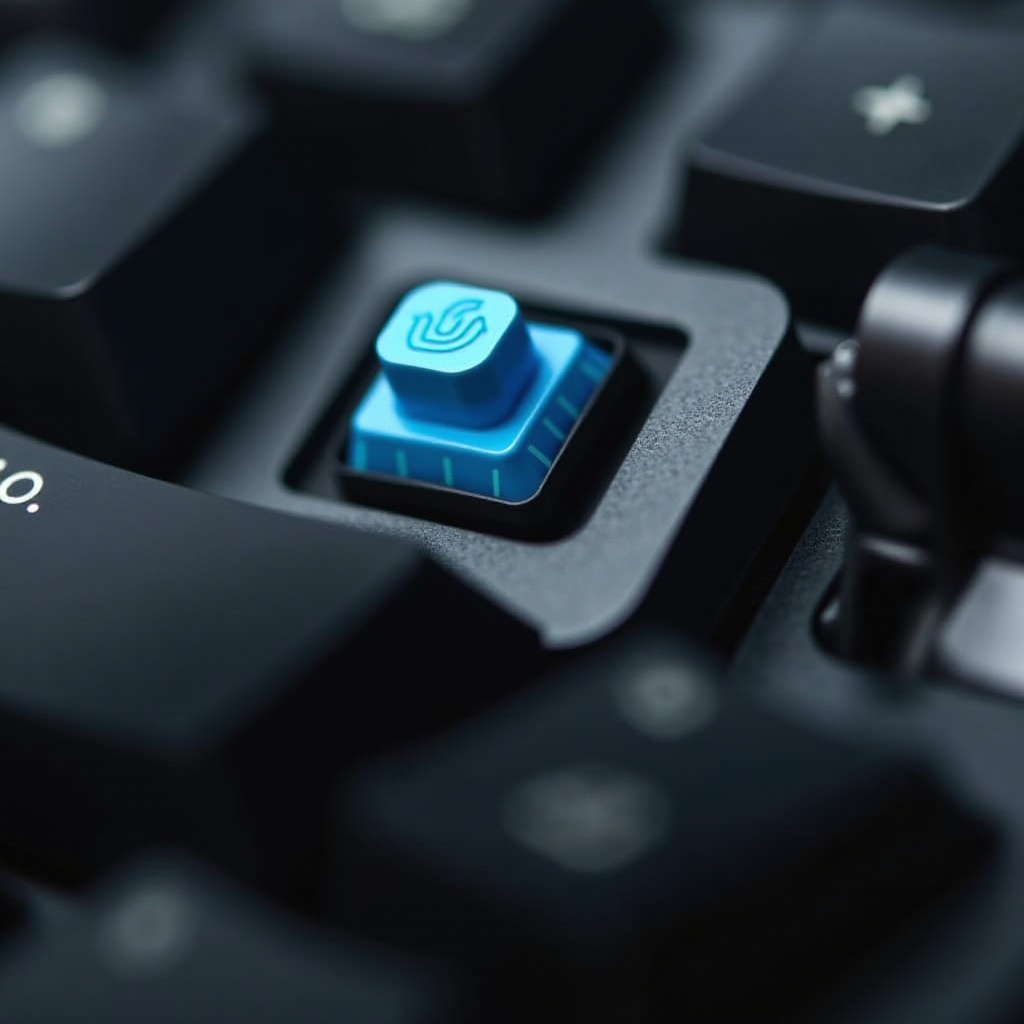
Blue switches are a type of mechanical switch celebrated for their tactile bump and audible click. Produced by manufacturers like Cherry MX, these switches appeal to users who enjoy a more engaging and interactive typing experience.
Components and How They Work
Each blue switch comprises a housing, a stem, a spring, and contact points. When a key is pressed, the stem pushes down, compressing the spring, and bridging the contacts to register the keystroke. The tactile bump around the actuation point offers valuable feedback, enhancing typing accuracy.
Key Features of Blue Switch Keyboards
- Tactile Feedback: The tactile bump ensures reliable feedback, crucial for precise typing.
- Audible Click: The distinct click sound is gratifying for many, though it may be distracting in certain environments.
- Durability: With a lifespan of 50 million keystrokes, blue switches are built to last.
Advantages and Disadvantages of Blue Switch Keyboards
Understanding the pros and cons of blue switch keyboards will guide you in making an informed decision.
Benefits for Typists and Gamers
- Precise Typing: The tactile feedback fosters a steady typing rhythm, reducing errors.
- Satisfying Feedback: The click sound provides immediate confirmation of key activation, a feature that many typists and gamers find rewarding.
- Consistency: Gamers benefit from the reliable actuation, enhancing in-game precision and performance.
Noise Considerations and Solutions
While the audible click is an asset for some, it might be disruptive in quiet environs. To mitigate noise:
– Use rubber O-rings to dampen sound.
– Explore keyboards with built-in damping features.
Comparison with Red and Brown Switches
- Red Switches: Offer a smooth, linear feel without the tactile bump or click, favored by those who prefer rapid, quiet typing.
- Brown Switches: Provide a tactile bump minus the click, serving as a compromise between blue and red switches.
Who Should Use Blue Switch Keyboards?
Identifying the intended user base helps align expectations with the capabilities of blue switch keyboards.
Ideal Users and Scenarios
Blue switches are particularly suitable for:
– Writers: Benefit from the tactile feedback that boosts typing speed and accuracy.
– Gamers: Experience improved control and satisfaction from the click feedback, enhancing their gameplay.
– Office Professionals: Workers in private spaces or those using headphones can enjoy the benefits without worrying about noise.
Typing Experience and Feedback
Users appreciate that the tactile and auditory feedback of blue switches enhances typing speed while minimizing errors. However, those in shared spaces might consider alternatives due to noise concerns.
Choosing the Right Blue Switch Keyboard
Picking the right blue switch keyboard requires consideration of several key factors to best suit individual preferences.
Factors to Consider When Purchasing
- Build Quality: Opt for high-quality materials such as metal or durable plastic.
- Keycap Material: PBT keycaps offer more durability than ABS, resisting wear over time.
- Layout and Functions: Look for additional features like programmable keys and customizable backlighting.
Testing Blue Switch Keyboards
Before buying:
– Visit a Store: Test different models to get a feel for the typing experience.
– Seek User Reviews: Online reviews offer valuable insights into the keyboard’s performance over time.
– Engage in Communities: Join forums and social media groups to gather recommendations and personal experiences.
Conclusion
Blue switch keyboards deliver a unique and satisfying typing experience through their tactile feel and audible feedback. Despite potential noise challenges, they remain a favorite for specific user groups, such as typists and certain genres of gamers. By understanding their features and comparing them with other switches, users can make informed decisions that best fit their needs.
Frequently Asked Questions
Are blue switches good for gaming?
Yes, blue switches can be great for gaming, particularly if you enjoy tactile feedback. However, some gamers prefer smoother, quieter switches.
How long do blue switches last?
Blue switches typically have a lifespan of about 50 million keystrokes, offering long-term durability for frequent typists.
Can I replace blue switches with quieter ones?
Yes, you can replace blue switches with quieter options like brown or red switches on compatible hot-swappable keyboards or through professional services.