
Introduction
Silent typing is revolutionizing workspaces by offering a tranquil typing experience in busy offices and home settings. Typical keyboards add to the ambient noise, which distracts and hampers productivity. Silent keyboards, equipped with cutting-edge technology, prevent your typing from becoming an audible distraction, fostering a more harmonious environment.
Understanding the details of silent keyboards can help in selecting the ideal one to optimize your workspace for better efficiency and comfort.
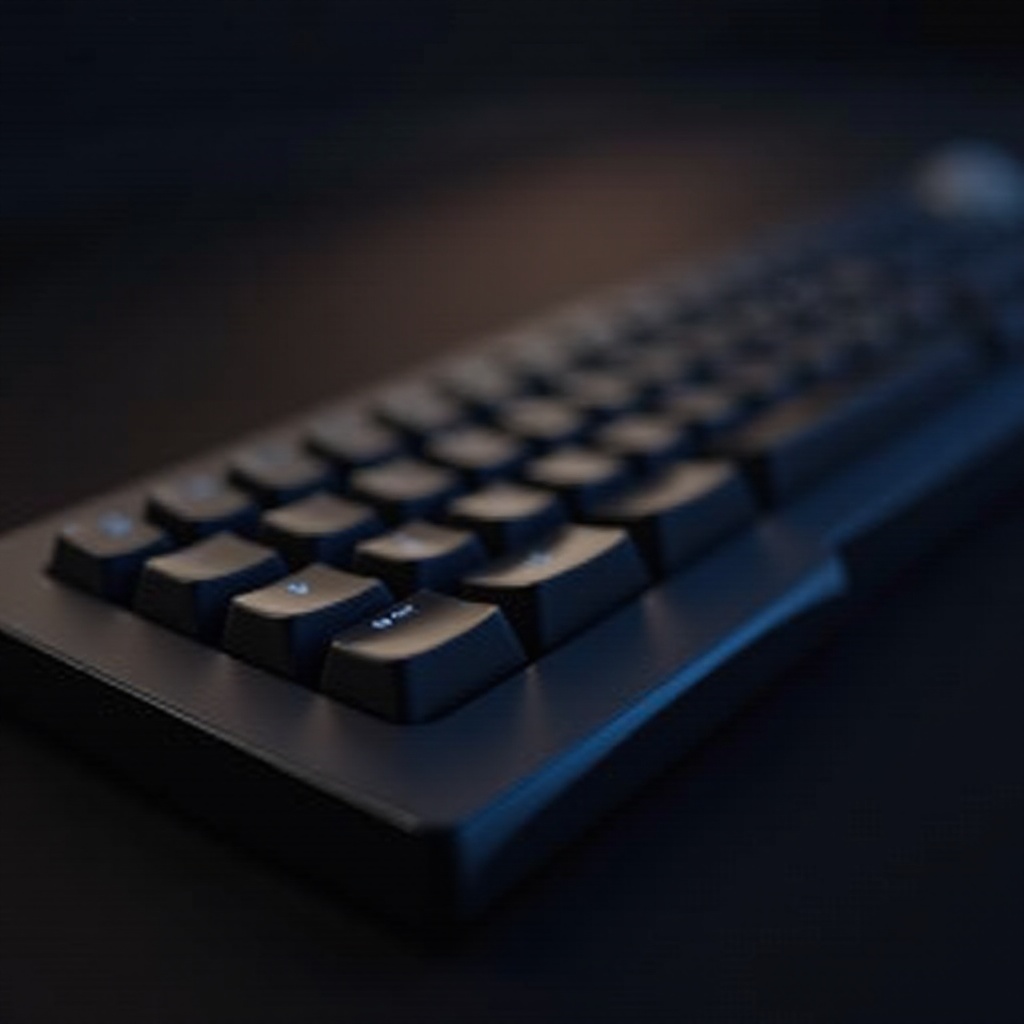
Understanding Silent Keyboards
Silent keyboards function using advanced key switch technologies specifically designed to lower sound levels. Mechanical silent keyboards feature switches like Cherry MX Silent or dampened options that absorb sound upon impact, delivering a satisfying tactile feel while significantly reducing noise.
The construction and materials of silent keyboards are vital. Many models integrate sound-dampening components under each key or have a design aimed at minimizing the typical clattering noise of standard keyboards. Knowing about these features aids you in deciding which silent keyboard fits your requirement perfectly.
Benefits of Silent Typing
Silent typing offers more than just a reduction in noise levels. In shared environments like open-plan offices, typing sounds can break concentration, leading to a drop in productivity. Silent keyboards help maintain focus, enabling individuals to work undisturbed and contributing to a more effective working environment.
Moreover, silent typing is beneficial to health. Consistently being exposed to loud typing noises can result in auditory fatigue and heightened stress levels. Silent keyboards help safeguard your hearing and reduce workplace stress, making for a healthier work atmosphere.
Choosing the Right Silent Keyboard
When selecting a silent keyboard, understanding the distinction between mechanical and membrane types is crucial. Mechanical silent keyboards, with varied switch options, deliver a tactile sensation sought after by many typists and gamers. On the other hand, membrane keyboards offer a quieter typing experience due to their rubber dome structure, making them suitable for quieter environments.
Consider features that align with your needs when picking a silent keyboard. For instance, backlighting, programmable keys, and ergonomic attributes are vital for those who spend long hours typing. For gaming enthusiasts, characteristics such as anti-ghosting and N-key rollover could enhance performance. By evaluating these features, you ensure the keyboard you choose supports silent typing and fulfills your functional requirements.

Setting Up a Silent Workspace
To achieve a truly silent typing experience, your efforts should extend beyond just the keyboard. Soundproofing your workspace can greatly diminish any remaining noise. Consider employing acoustic panels or incorporating carpets and curtains, which absorb sound, in creating a quieter environment.
Additionally, complement your silent keyboard with other noise-reducing accessories. For example, a silent mouse helps avoid disruptive clicking sounds, and noise-cancelling headphones can block out background noise, allowing you to concentrate fully. Using desk organizers and cable management solutions aids in decluttering and enhancing workspace efficiency, facilitating better focus.

Case Studies: Successful Implementation of Silent Typing
Numerous companies have leveraged silent typing solutions for increased productivity and employee satisfaction. For instance, tech firms often opt for silent mechanical keyboards, enabling developers to work without interrupting each other. Similarly, remote workers frequently adopt silent typing tools to maintain conducive working conditions at home.
These case studies can inspire project managers and office administrators to apply silent typing initiatives in their own environments. With the proper strategies, any workspace can be revitalized, increasing both productivity and morale through minimized noise.
Conclusion
Silent typing opens the door to a more productive and comfortable workspace. By selecting an appropriate silent keyboard and setting up an environment geared toward noise reduction, you can meaningfully improve your work experience. The merits of silent typing are undeniable: improved concentration, reduced stress, and a more pleasant auditory environment.
As more individuals adopt remote work and open office layouts, the demand for tools that facilitate silent typing will rise. By investing in these innovations now, you position yourself ahead of the curve, creating ideal conditions for success.
Frequently Asked Questions
What is the quietest type of keyboard for typing?
The quietest keyboards typically feature mechanical switches designed for silence, like Cherry MX Silent or dampened switches. Membrane keyboards also offer reduced noise levels due to their construction.
How can silent typing improve my productivity at work?
Silent typing minimizes distractions, which helps maintain focus. A quieter environment enhances concentration, leading to increased productivity, especially in shared workspaces.
Are silent keyboards more expensive than regular ones?
Silent keyboards vary in price, similar to regular models. While some may be costlier due to specialized switches or materials, there are affordable options that provide silent typing at a reasonable cost.