
Introduction
Mechanical keyboard enthusiasts often debate over which switch color is the quietest: blue, brown, or red. Each has unique characteristics in terms of noise production and typing feel. In this article, we will detail these differences to help you identify the best switch for a quieter typing experience.
Understanding Mechanical Keyboard Switches
Mechanical keyboard switches play a crucial role in determining your overall typing experience. They’re not just about aesthetics; they’re about sound and feel.
-
What Are Mechanical Keyboard Switches?
Mechanical switches are an assembly of keycap, stem, and housing. The stem’s position determines the sound and actuation. When you press a key, the stem moves downward, completing a circuit that registers the keystroke. This action is what differentiates the feel and sound among the different types of switches. -
The Role of Color in Switch Design
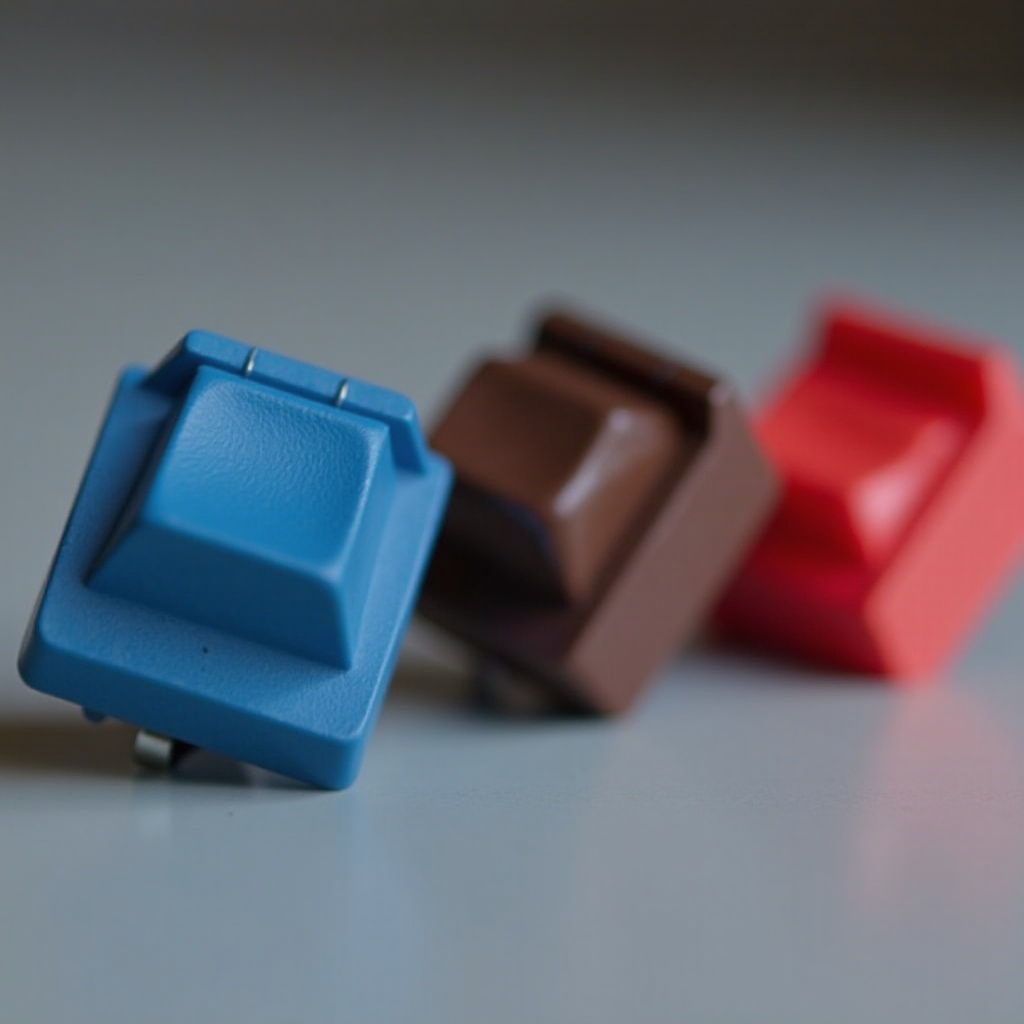
Switch colors indicate different sound and feel characteristics: - Blue switches: Known for their clicky sound and tactile bump.
- Brown switches: Offer a softer tactile bump with less noise.
- Red switches: Provide the smoothest action with minimal sound, making them ideal for quieter environments.
Having understood the basic function of mechanical switches, let’s dive deeper into the specific traits of each color.
Blue Switches: A Clicky Option
Blue switches are renowned for their distinct, clicky sound and tactile feedback, making them a favorite among typists who appreciate audible feedback.
-
Characteristics of Blue Switches
Blue switches are characterized by a pronounced tactile bump and an audible click at the actuation point. This noise provides clear feedback for each keystroke, enhancing typing precision for many users. -
Common Use Cases
The clicky nature of blue switches can be disruptive in quiet environments, making them better suited for personal use in isolated settings. Writers and coders often prefer them for home offices where the sound aspect is less intrusive.
While the clicky sound is appealing to some, it may not be suitable for shared spaces. For environments where quiet is required, other switch options might be more appropriate.
Brown Switches: The Balanced Choice
Brown switches offer a middle-ground solution for those seeking a blend of tactile feedback without excessive noise.
-
Features of Brown Switches
Brown switches lack the distinct click of blue switches, instead offering a gentle tactile bump that provides feedback without significant noise. This makes them ideal for those who require tactile feedback but cannot compromise on noise. -
Why Choose Brown for Quieter Typing?
Brown switches are a popular choice in shared work environments or at home, where reducing noise is essential. The balance of tactile feedback and discretion makes them versatile for both typing and gaming.
For users who require a quieter typing experience while retaining some feedback, brown switches present an attractive option.
Red Switches: Silent and Smooth
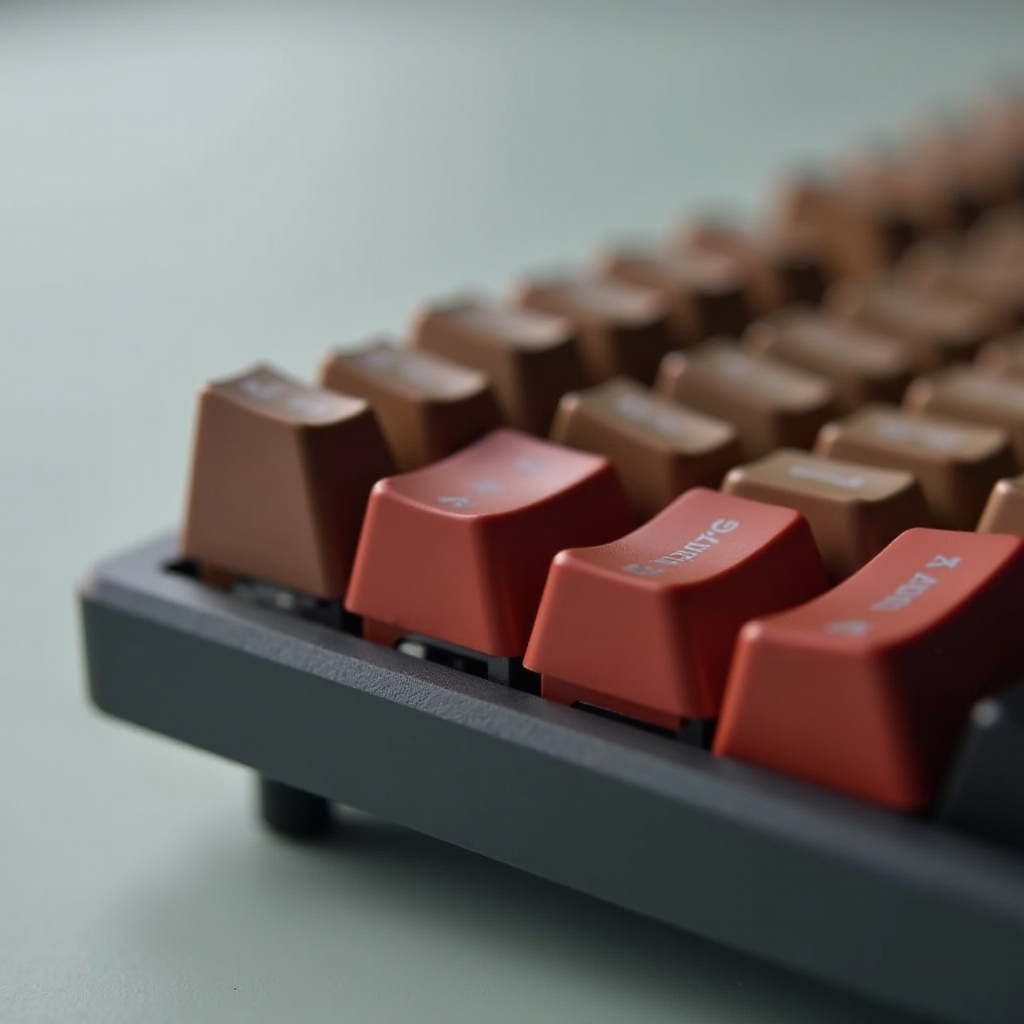
Red switches are designed for minimal noise, offering a smooth and linear keystroke without tactile bumps or clicks.
-
Attributes of Red Switches
Red switches provide a quiet typing experience with no tactile bump or click, making them a favorite for those prioritizing low sound levels. Their linear motion ensures smooth keystrokes, preferred by gamers for rapid key presses. -
Ideal Environments for Red Switches
These switches are perfect for quiet office settings or environments where concentration is key. Because they require less actuation force, they facilitate a faster and quieter typing experience, appreciated by gamers and typists alike.
While red switches are excellent for noise reduction, some typists may miss the tactile feedback that other switches provide.
Comparative Analysis of Switch Noise Levels
Examining the distinct noise profiles of these switch types aids in selecting the right one for your needs.
- Decibel Measurements and Sound Profiles
Blue switches score high on decibel readings due to their distinctive click. Brown switches offer moderate noise levels with tactile feedback, while red switches are quietest, providing a smooth, near-silent experience.
Understanding these noise variances can help in selecting the right switch for your particular environment and preference.
Factors Affecting Noise Levels in Keyboards
Various factors beyond switch type influence overall keyboard noise.
-
Typing Style and Keyboard Build
Your typing style significantly impacts noise levels. Aggressive typists may find even red switches noisy. Additionally, the material and design of the keyboard can amplify or dampen sound. -
Accessories for Noise Reduction
To further reduce noise, consider accessories like O-rings or silicone dampeners. These can absorb sound and prevent keys from bottoming out, adding a layer of quietness and comfort to typing.
Taking these factors into account can further optimize your quest for a quiet keyboard experience.
Tips for Choosing the Right Switch
Choosing the right switch involves more than just technical specs. Personal comfort and functionality should guide your decision.
-
Personal Preference Considerations
Your tactile and auditory preferences should lead your decision-making process. Whenever possible, hand-test switches to see which one personally feels and sounds right. -
Testing Switches Before Purchase
Visiting a store to try out switches or using switch testers can provide invaluable hands-on experience. Testing before buying ensures satisfaction and long-term enjoyment.
With ample information and tactile experience, you can make an informed choice suited to your unique preferences and needs.

Conclusion
In conclusion, selecting between blue, brown, and red switches depends largely on your preference for noise and tactile feedback. Blue switches cater to those who appreciate an auditory typing experience. Brown switches offer a harmonious blend of feedback and moderate noise, making them versatile. Red switches shine for those seeking the quietest option, without losing smooth keystrokes. To ensure satisfaction, test various options considering your environment, typing habits, and personal taste.
Frequently Asked Questions
Are red switches always quieter than brown or blue?
Red switches are generally quieter due to their linear design, but typing style and keyboard build can affect noise levels as well.
Can I install O-rings on any switch type to reduce noise?
Yes, O-rings can be used on any mechanical switch to dampen sound and prevent keys from bottoming out.
What are some popular keyboards featuring red switches?
Popular models include the Corsair K70, HyperX Alloy FPS Pro, and SteelSeries Apex Pro, all known for their quality and quiet typing experience.